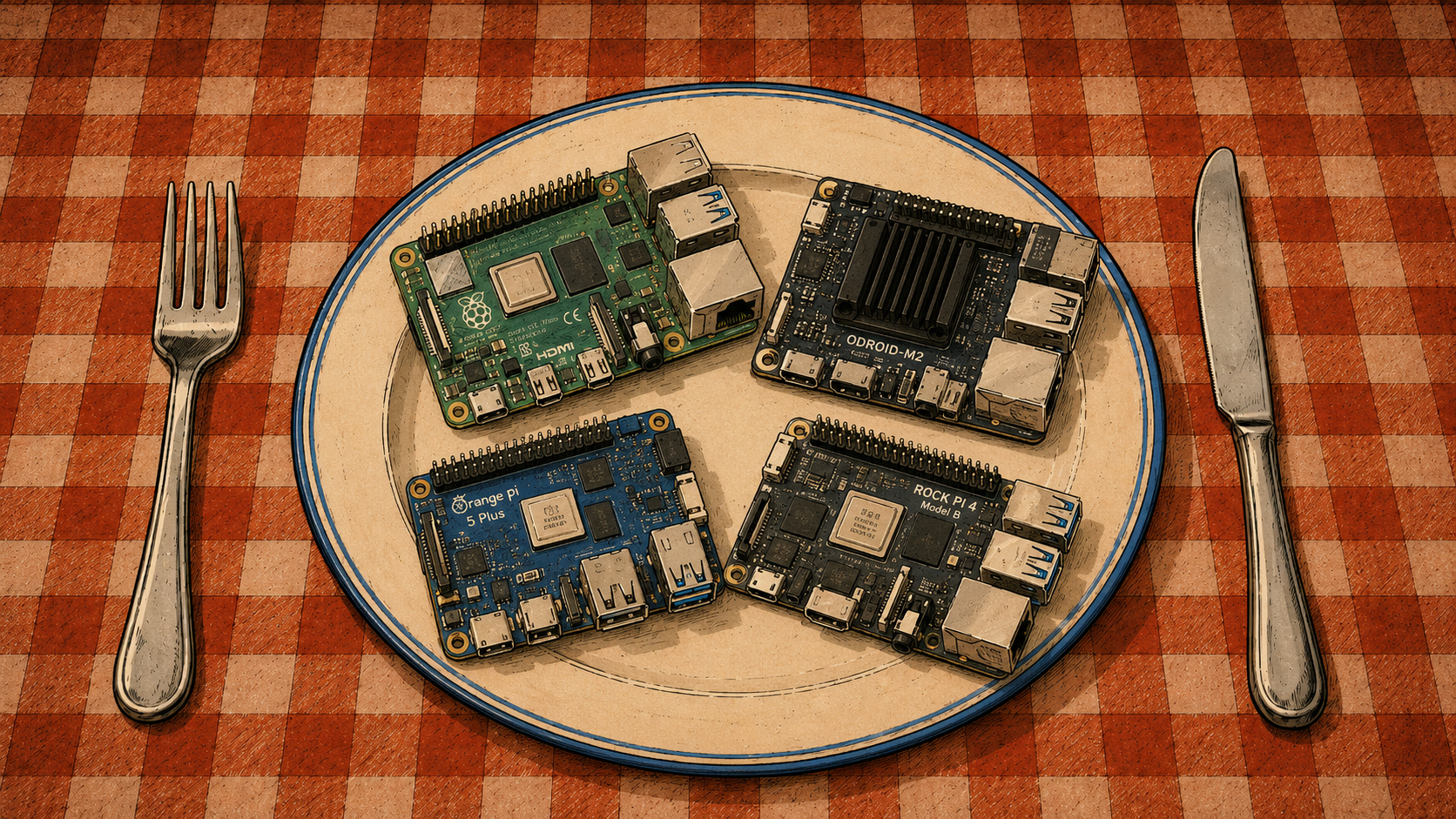
The third and final episode of the saga about SBC cases and cooling.
ROCK 5T
The latest SBC to find its way into my home is the ROCK 5T — a serious contender in my Kubernetes cluster.
It is based on the Rockchip RK3588, an eight-core SoC combining:
- four Cortex-A76 cores,
- four Cortex-A55 cores,
- a Mali-G610 GPU,
- an NPU capable of up to 6 TOPS.
My unit has 16 GB of RAM and a 500 GB NVMe SSD — the latter being entirely my own indulgence.
This configuration should remain useful for years: compiling software, collecting metrics, running heavier cluster workloads, and experimenting with relatively small language models.
The ROCK 5T also provides two HDMI outputs, one HDMI input, DisplayPort over USB-C, dual 2.5 GbE, and two M.2 M-Key slots for NVMe drives.
There is also a standard 40-pin GPIO header, which suggests plenty of other possible uses.
Operating system?
Armbian, obviously.
The ROCK 5T currently has Platinum support there, placing it among the better-supported boards in Armbian’s catalogue.
But first…
…the board needs a case, proper cooling, and a little stress testing.
Power
The power supply must be purchased separately.
And here comes the first surprise: the ROCK 5T does not use ordinary USB-C power.
It accepts 9–20 V DC through a 5.5/2.5 mm barrel connector, with 12 V recommended.
Radxa recommends a supply capable of at least 36 W, which means 12 V / 3 A or more.
The USB-C port handles things such as OTG and DisplayPort, but it does not power the board.
So all those convenient USB-C power supplies already sitting on the shelf?
Not this time.
Apparently the marketing department decided that the purchasing experience would be more complete if several parts of a complete computer had to be bought separately.
CPU Cooling
The CPU fan also has to be purchased separately.
Fortunately, the official active heatsink fits perfectly and requires no improvisation.
Radxa lists active cooling among the official accessories for the board.
So at least this time it is clear what the designer intended.
The Case
The case…
Yes.
You guessed correctly.
That must be purchased separately as well.
I chose the official Radxa metal enclosure.
The product description warned that the case might not provide proper access to the HDMI-IN connector.
Naturally, this sounded disappointing.
When the package arrived, however, the HDMI-IN opening turned out to be perfectly usable.
The GPIO header, on the other hand, was not conveniently accessible.
So the documentation warns about the problem that is not there and forgets to mention the one that is.
One has to admire the consistency.
Assembly
The package contains two thermal pads roughly the size of an M.2 2280 drive.
That makes sense, because the ROCK 5T supports two 2280 NVMe SSDs.
The pad goes onto the SSD before the board is placed inside the case.
Once the case is closed, the pad makes contact with the metal enclosure, effectively turning the case itself into a large heatsink for the drive.
Simple.
Effective.
The case also includes two external Wi-Fi antennas.
The original antennas can therefore be disconnected and replaced with the external ones before the enclosure is closed.
In my case, I removed the Wi-Fi antennas entirely.
This machine has been connected exclusively through Ethernet from the beginning.
When a board provides two 2.5 GbE interfaces, it becomes surprisingly difficult to justify making a cluster node send packets through the air.
Testing
Measurements were taken exactly as in the previous two parts.
Two thermometers.
For the NVMe drive:
sudo nvme smart-log /dev/nvme0 | grep temperature
For the CPU:
armbianmonitor -m
Then the two now-familiar stress tests.
CPU and memory:
stress-ng \
    --cpu 0 \
    --vm 4 \
    --vm-bytes 60% \
    --timeout 10m \
    --metrics-brief
I/O:
fio \
    --name=nvme-test \
    --filename=/tmp/fio.test \
    --size=4G \
    --rw=readwrite \
    --bs=1M \
    --iodepth=32 \
    --direct=1 \
    --runtime=5m \
    --time_based \
    --group_reporting
As always, fio writes data to the selected file.
Here, that file is /tmp/fio.test.
Do not casually replace it with a block device unless you intend to begin writing an entirely different article immediately afterward.
Results
| Component | stress-ng | fio |
|---|---|---|
| NVMe | 39 °C | 40 °C |
| CPU | 62.8 °C | 55.5 °C |
Very good.
The NVMe remains cool, and the CPU stays comfortably below temperatures where thermal throttling would become a concern.
That means this machine can now be used regularly in the cluster in a way that actually reflects its computing power, memory capacity, and storage.
In my case, that means heavier CI/CD workloads, metrics, and everything smaller SBCs would accept only with a very audible sigh.
Series Conclusion
After three episodes, the conclusion is fairly simple:
cooling is not an optional accessory.
On modern high-performance SBCs, it is part of the basic system design.
Without a heatsink, fan, or properly designed enclosure, every board described in this series can reach unpleasant temperatures very quickly under sustained load.
With appropriate cooling, the picture changes completely.
Every machine tested here maintained reasonable temperatures during both CPU stress and intensive NVMe activity.
In several cases, the results were better than I expected.
So the patients survived.
They are doing well.
And they can safely be sent back to work.
If another single-board resident appears in my fortress, this supposedly final trilogy may receive an entirely unplanned fourth episode.
Because everyone always says:
this is definitely my last SBC.