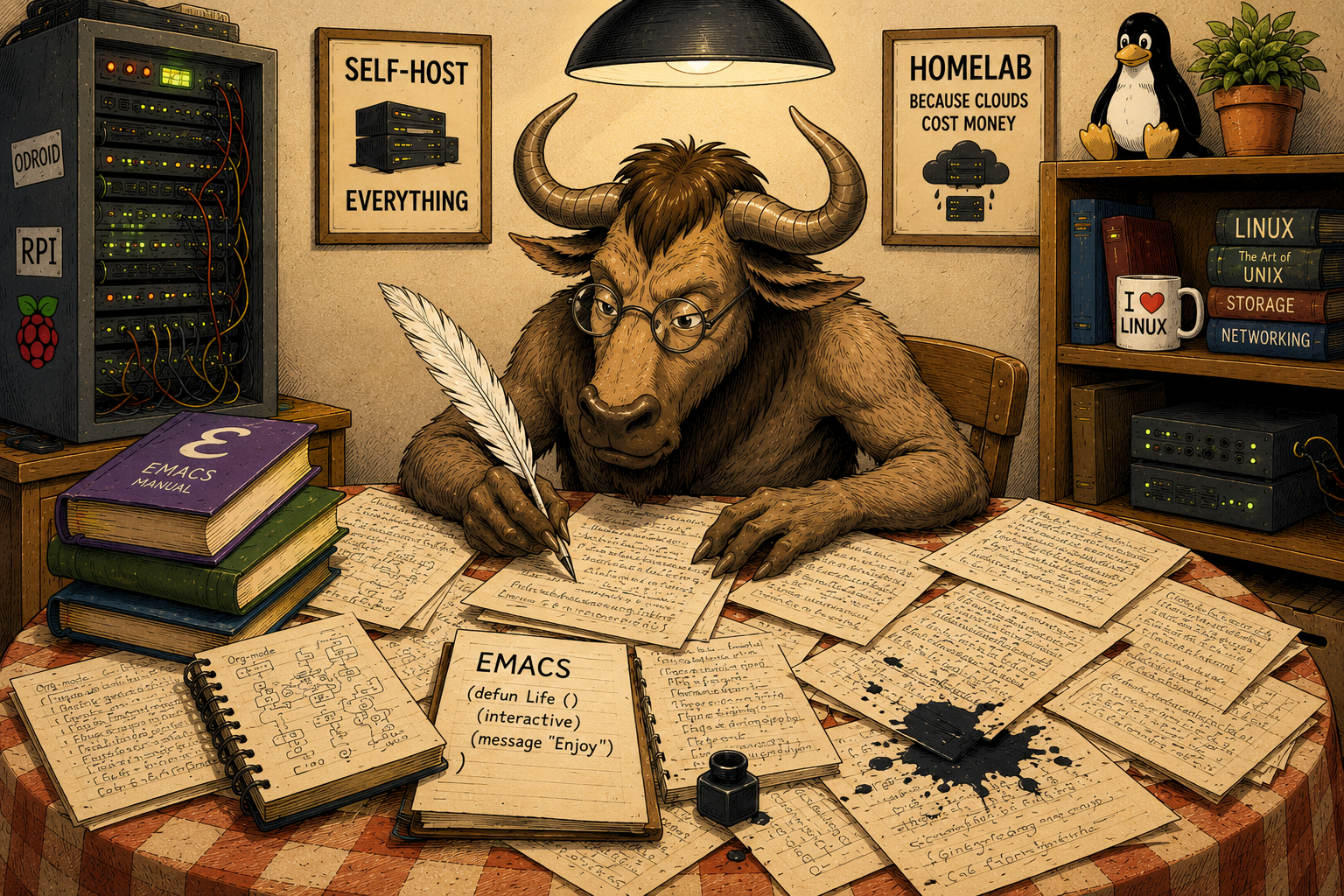
What Is Emacs, and Do I Need It?
- GNU Emacs is a text editor originally created by Richard Stallman for the PDP-10 platform.
- GNU Emacs is a universal development environment available on Unix and Unix-like systems, Microsoft Windows, macOS, and many others.
- GNU Emacs is an operating system disguised as a text editor.
- GNU Emacs is a philosophy and a way of life.
- GNU Emacs is a religion.
All right, let’s start over.
A Brief History
Richard Stallman, while working at MIT, became increasingly frustrated with proprietary software. Not only was it often full of bugs, but there was usually little anyone outside the vendor could do to fix them. Bug reports rarely led to meaningful improvements, and users were expected to simply accept whatever they were given.
Eventually, Stallman left MIT and launched the GNU Project, whose goal was to create a completely free Unix-like operating system.
Emacs itself began as a collection of macros for the TECO editor. After a rapid evolution, it became a standalone application and eventually one of the most influential pieces of software in the free software ecosystem. A large community of developers, thousands of articles, books, tutorials, and decades of active use suggest that Emacs still has a long future ahead of it.
Not everyone, however, was happy with the project’s leadership style. The most significant fork occurred when developers from Lucid, who wanted to use Emacs as the foundation of their development environment, split off and created Lucid Emacs. This project later evolved into XEmacs.
Incidentally, the “X” in XEmacs has nothing to do with whether the editor can run under the X Window System. Both GNU Emacs and XEmacs work perfectly well with or without X11.
Over the years, various other forks appeared, often for technical or political reasons. While some introduced interesting ideas, none managed to surpass GNU Emacs itself. XEmacs, despite its innovations, gradually lost momentum. A long period without significant releases and declining community activity eventually left the project effectively dormant. Its website still feels like a time capsule from the late 1990s, apparently untouched by mobile devices, TLS certificates, or modern web design.
What Is Emacs?
A Text Editor
At its core, Emacs is a text editor.
This remains the primary goal of the project: creating an exceptionally capable environment for editing text of all kinds. Source code, notes, books, articles, documentation, LaTeX manuscripts, configuration files—everything is ultimately text, and Emacs is designed to handle all of it.
A Lisp Interpreter and Runtime Environment
One of Emacs’ defining features is its built-in Lisp interpreter.
Through Emacs Lisp, users can extend the editor to perform virtually any task imaginable. Email clients, news readers, calendars, web browsers, file managers, games, and countless other tools are available either as part of the standard distribution or through third-party packages.
Need an AI assistant? Someone has almost certainly written one already.
Installing extensions is typically as simple as fetching the appropriate package from a repository and enabling it.
A Development Environment
For many users, Emacs serves primarily as an integrated development environment.
Support exists for an astonishing number of programming languages. Syntax highlighting, code navigation, language servers, debugging tools, build systems, version control integration, documentation generation, shells, terminals, and countless other development tools are readily available.
Whether you write C++, Go, Python, Rust, Lisp, or something more obscure, chances are that someone has already built excellent Emacs support for it.
An Environment for Markup Languages
Emacs is equally comfortable working with markup and document-oriented formats.
XML, HTML, YAML, Markdown, Org Mode, TeX, LaTeX, DocBook, and many others are all well supported. Validation, transformation, navigation, and editing tools are often available out of the box.
The live preview capabilities available for TeX and LaTeX workflows remain particularly impressive even today.
Anything You Can Convince Lisp to Do
Ultimately, Emacs is whatever you can persuade Emacs Lisp to become.
This flexibility is both its greatest strength and one of the reasons why Emacs users occasionally develop a reputation for eccentricity.
What Emacs Is Not
A Universal Solution
Emacs is an incredibly powerful tool, but it is not magic.
Installing Emacs will not automatically teach you a programming language, system administration, networking, or software architecture. It can help you work more effectively, but it cannot replace knowledge or experience.
Is Emacs for Me?
Perhaps.
Emacs may be a good fit if:
- You want a consistent environment for editing, programming, writing, note-taking, and other text-oriented tasks.
- You enjoy highly configurable tools.
- You appreciate software that can evolve alongside your workflow.
Emacs may not be a good fit if:
- Editing configuration files makes you uncomfortable.
- You expect every feature to be immediately discoverable through graphical menus.
- You are unwilling to invest time learning new tools.
- Your primary computing activity consists of scrolling through social media feeds on a phone.
Emacs has a steep learning curve, but it rewards patience. For many users it eventually becomes much more than an editor; it becomes the environment in which a significant portion of their computing life takes place.
Whether that sounds exciting or alarming is entirely up to you.